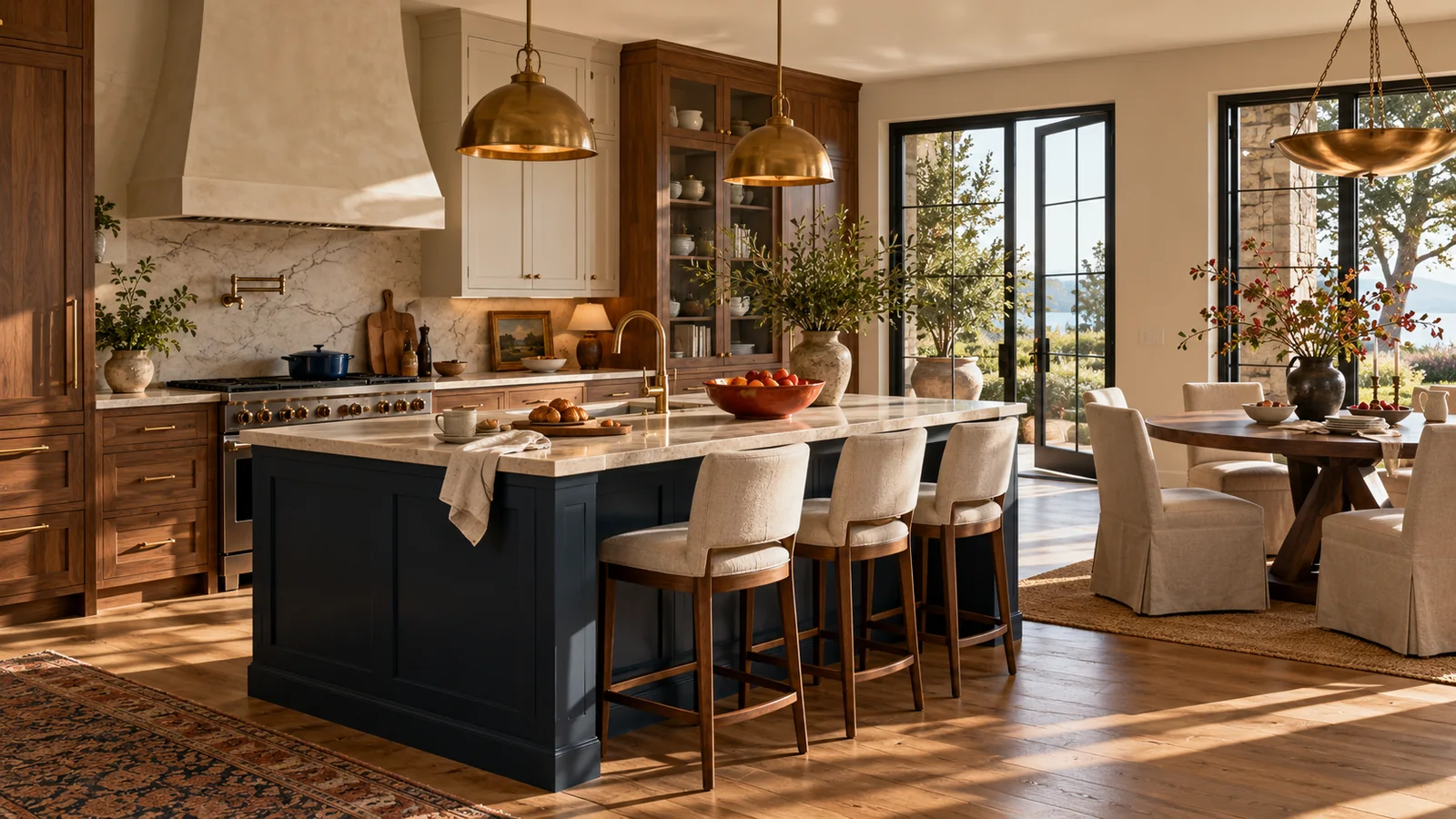
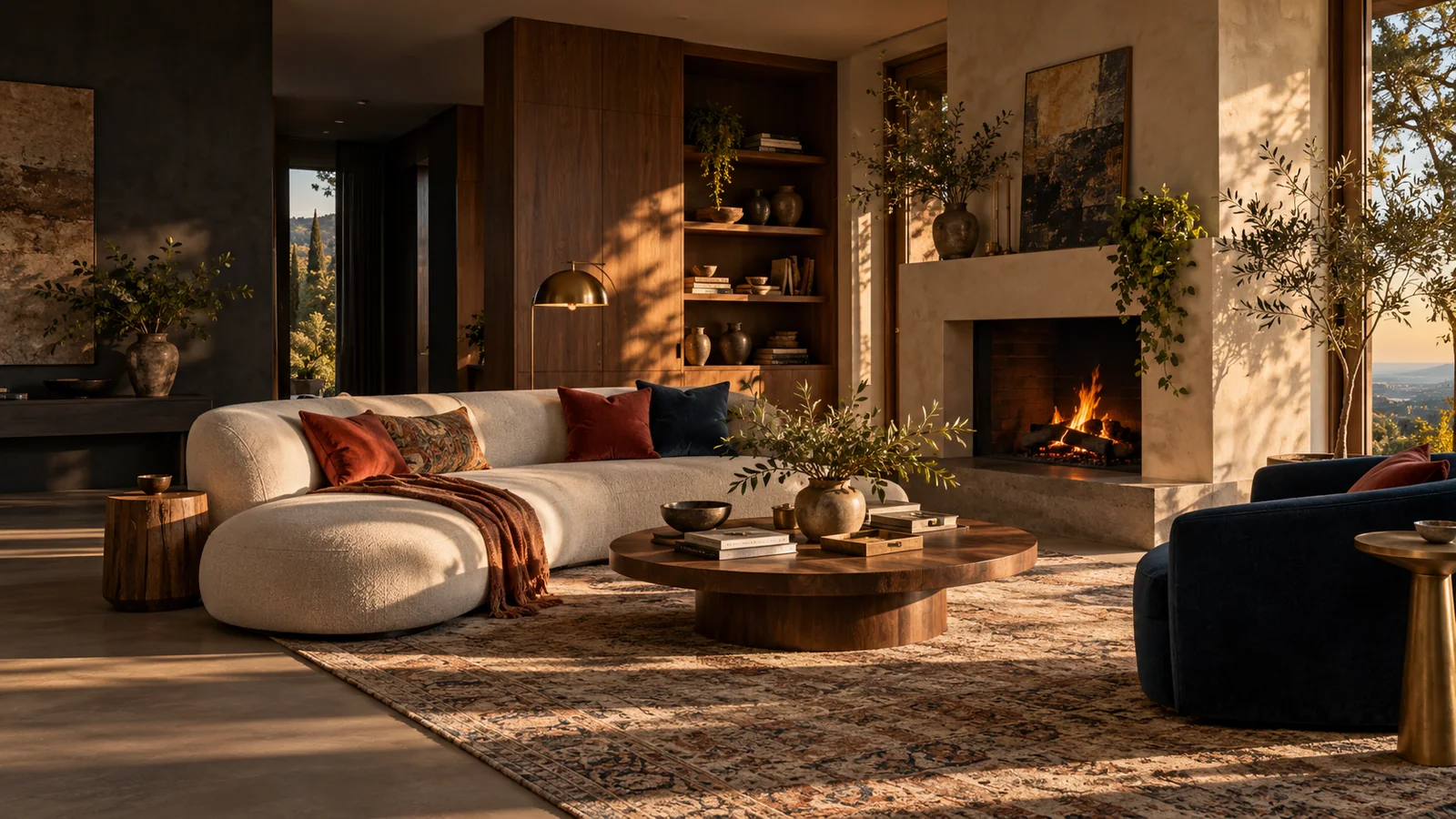
Upload photos of any room or outdoor space, choose your style and tell us what must stay. When the Gemini connection is enabled, generate a makeover, compare before and after and refine your design.
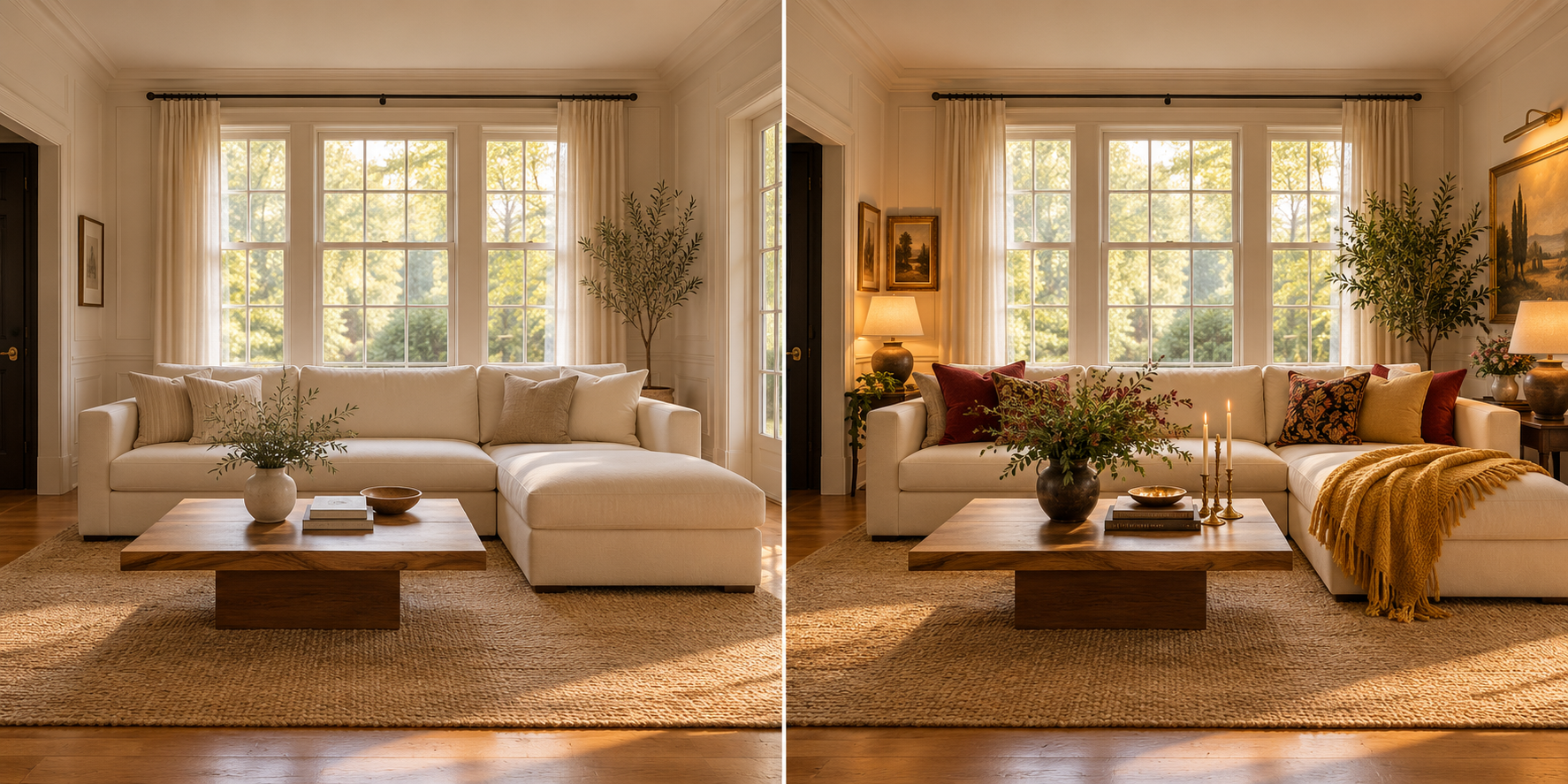
Illustrative before-and-after styling example. This image demonstrates the design direction; it is not a generated result from your upload.
Your spaces, reimagined
Each result stays beside its original photo. Use the slider to compare, keep earlier versions and prepare instructions for another edit.
Your room. Your starting point.
01 · Upload your room
Use a clear, well-lit photo. Include the furniture, windows and features you want to keep.
02 · Tell us what matters
Choose a room, style and budget direction. Add family, pet, renter or DIY preferences and describe what should stay.
03 · Compare and refine
When generation is enabled, compare the returned makeover with your original using the slider. Ask for changes or another style and keep earlier versions available.
Gemini generation is being configured. Photos stay in this browser until you agree to send them to Google and request a makeover. Download completed results before leaving. Generation remains disabled until the connection and usage allowance are ready.
Make a little progress today.
Turn your inspiration into practical changes with lighting ideas, wall art and small DIY projects from Family Haven Studio.